Installation
Installation of Linker follows regular Blender installation process. Depending on Blender version and preferences, Linker can be installed either as a Add-On, or an extenstion. In both cases installation process is the same:
1 - Download Linker addon from the store. Linker addon is contained inside single file named Linker.zip**
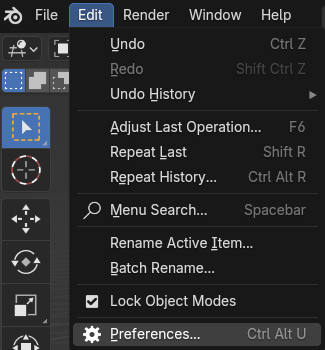
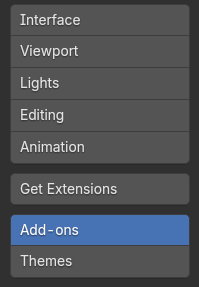
2 - Open Blender and navigate to: **Edit->Preferences->Add-Ons (or Get Extenstions)
3 - Press the arrow button  in the right top corner and choose Install from Disk
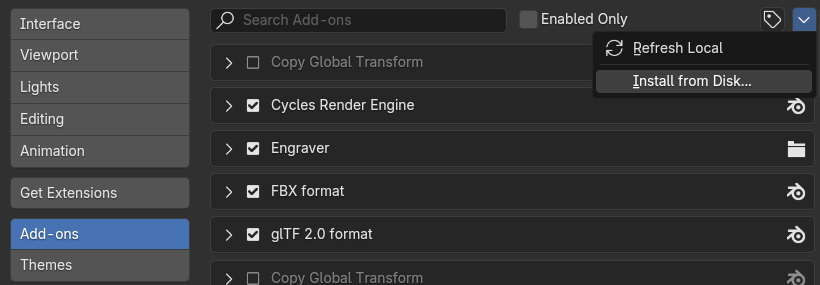
4 - Navigate to the place where downloaded Linker.zip file is located, select i and press Install from Disk